
Last Update: May 2026
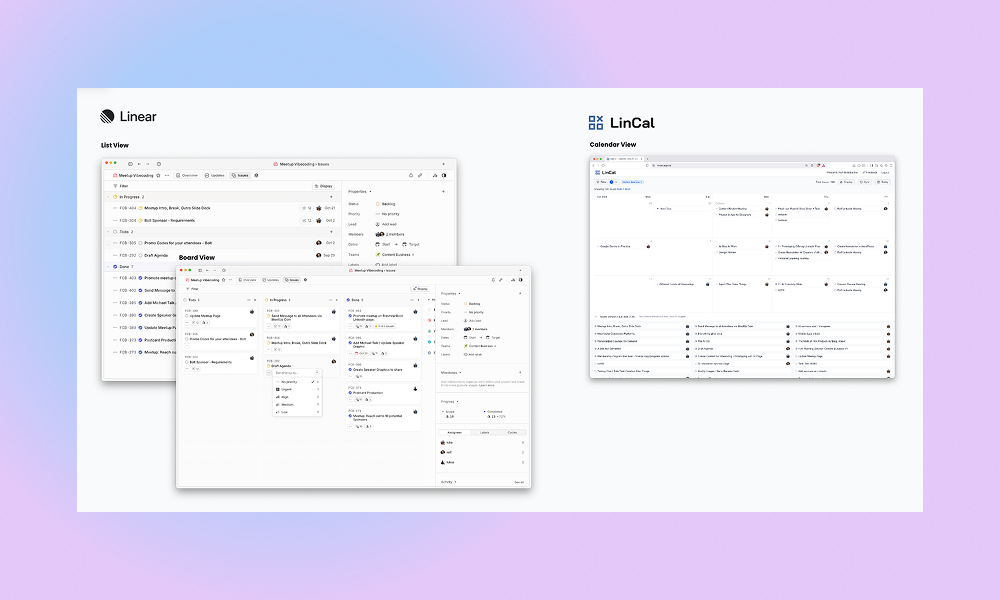
Linear comes with a Board and List View, but sometimes you want to schedule your work on a calendar timeline. That is the reason we created LinCal.
We run a digital agency in Vienna. After moving to Linear, we quickly found ourselves missing one thing: a way to see work on a calendar.
Our work requires syncing on content plans a lot – internally and also with clients.
So the need for the calendar view emerged right after we migrated.
LinCal started in April 2025 as an internal tool. We used it daily, kept building, and published it publicly later that year.
The project changed from a simple read-only view to a second interface for your work in Linear.
As of writing this post, LinCal has the following features:
- Filter by team, assignee, project, label, current/upcoming cycle
- Show issues on a seamless scrollable calendar
- Change between month and week view
- Drag & Drop tasks on the calendar
- Show tasks without due dates supporting drag & drop too
- Create Tasks: Add title, team, assignee, project, label, cycle
- Customize display settings (hide/show sub-issues, weekends, done tasks
- Edit task properties inline (assignee, project, labels, cycle)
- Change task status directly from the calendar car
- Share your calendar view via URL — filters and settings included
LinCal has grown from an internal tool to a paid product used by teams across industries. We ship updates regularly.
Some technical background – we are a team of 3 working on this:
- Hosted on Vercel
- No API calls pass our servers – no way for us as creators to see you actual work data
- No 3rd party tools for tracking user behavior
- We do not store any credentials – users log in with their Linear account
Our mission:
The broader scope is now developing Linear add-ons for people who do not work in product (only). Think of marketing, comms, HR, and other roles. The calendar view is really just the starting point; we have many more use cases planned.
LinCal serves a different audience than the core Linear app — teams who live in Linear but need more accessible ways to plan, schedule, and share their work.
LinCal today can cover already many use cases, here are a few examples:
- Plan your week: Filter for tasks assigned to you and organize your week/month
- Team planning sessions: Share LinCal, filter on team level, get everyone on the same page
- Content brainstorming: Quickly create tasks directly on the calendar, smoothly plan your flow of content
- HR processes: Plan application process on a timeline view
- PR & Comms: Create campaign plans on a calendar view
- and many more
We, of course, use LinCal daily at our marketing agency, and new feature requests naturally emerge from our work with clients.
If you miss any specific features that would make LinCal more usable for you, please reach out at any time.
LinCal is a paid product as of May 2026, with an active roadmap. We are committed to building this for the long run.