Author: Rolf Mistelbacher
-
Why LinCal? Backstory and Product Overview
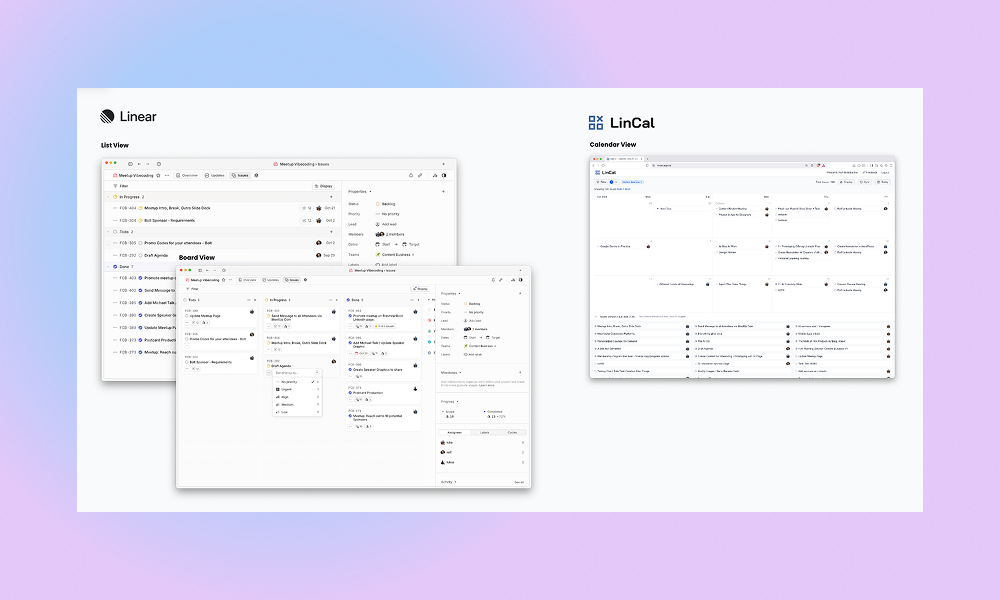
Linear comes with a Board and List View, but sometimes you want to schedule your work on a calendar timeline. That is the reason we created LinCal. We are Fresh van Root, a digital marketing agency based in Vienna. We moved from Height.app (which no longer exists) to Linear. Our work requires syncing on content…
-

Extended Task Creation Flow, Sync
Improved Task Creation Flow LinCal now supports adding additional properties to newly created tasks. Until now, LinCal only allowed setting task title, due date, and team. With this update, users can now add The whole flow of task creation can be completed with only keyboard. Here is how it works: Autosync after inactivity If you…
-

Privacy, Filtering
🔐 Privacy-First Architecture Your Data Stays Between You and Linear We’ve rebuilt LinCal to load all your Linear data directly in your browser. No more server-side webhooks or data passing through our systems—we never see your issues, updates, or notifications. Your work data is yours alone. What this means for you: Use the manual browser…
-

Drag&Drop Feature, Real-time-updates, and more
Drag & Drop Plan your work on LinCal with drag&drop of tasks. How it works: Real-time-updates Changes in Linear are instantly synced to the calendar. How it works: Remove Due Date of a task You can remove the due date of a task in LinCal How it works: Improved task creation Task creation now works…
-

-

-

Fixed Sync Button Issue
The sync button now works instantly! Previously, after clicking sync to get the latest updates from Linear, you had to manually navigate (click the arrow buttons) to see the changes in your calendar. Now when you:
-

-